After receiving the goods, please note:
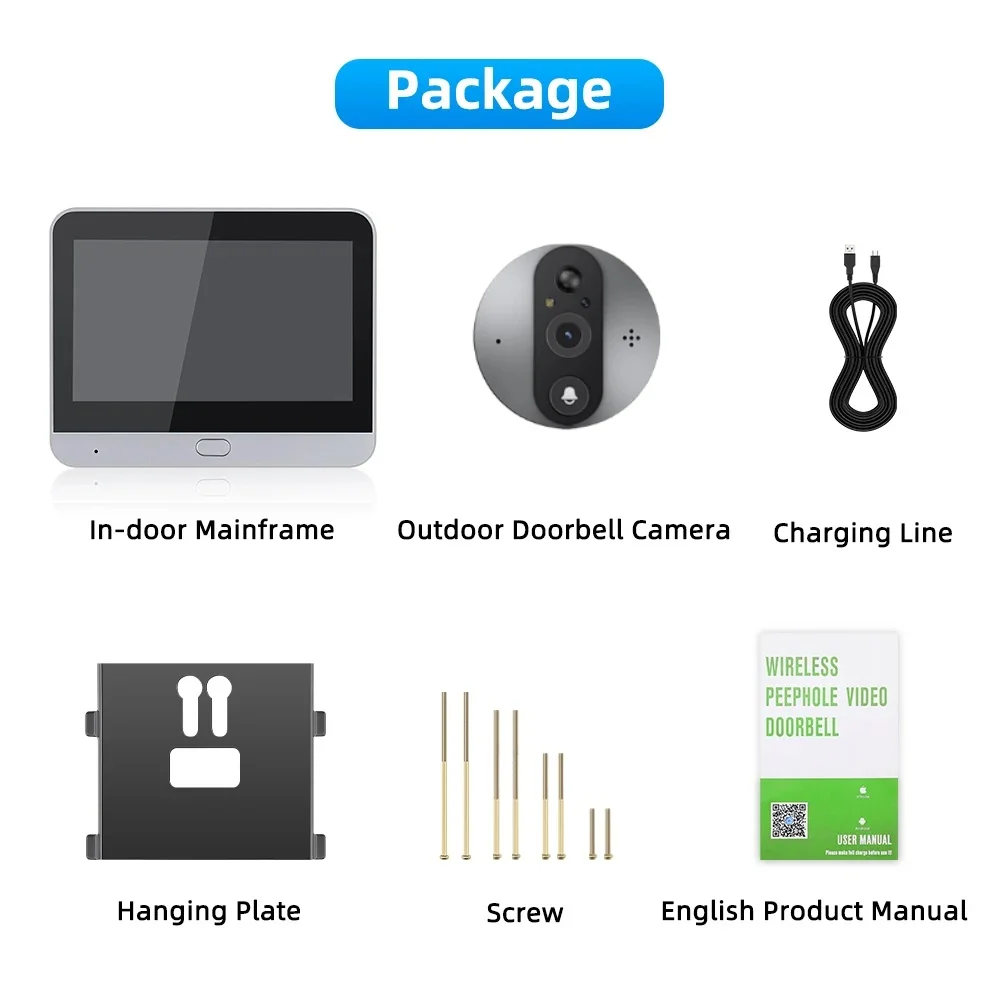
1,you need to connect the camera and the monitor for the device to work properly (display screen and indicator light on).
2,The basic features described in the product details are free to use. Additional app features (cloud storage, AI sentinel, call alerts, SMS alerts) require extra payment, while the device itself comes with a free detection notification feature (you just need to allow the app to send detection notifications to your phone when installing it).
Please note the following before and after purchase:
1. The device only supports 2.4G Wifi, not 5G.
2.The product is an ultra-low-power design and does not support 24-hour recording. Start recording video after detecting motion [install memory card or enable cloud storage (cloud storage requires payment)]
3. Long press the button on the monitor for 6 seconds will reset the device, do not press and hold the monitor button when the device is connected to WIFI. This will cause the device to disconnect. You can check the FAQ at the bottom of the details to solve it.
4. If you encounter other problems when connecting your device, you can check the FAQ at the bottom of the details. Happy shopping!
Funciton:
*4.3 inch high-definition LCD
*HD 3MP image ultra-Low Power Consumption Design
*Quick access via app (automatically wakes up within 3 seconds)
*Respond to users access demands within 1 second
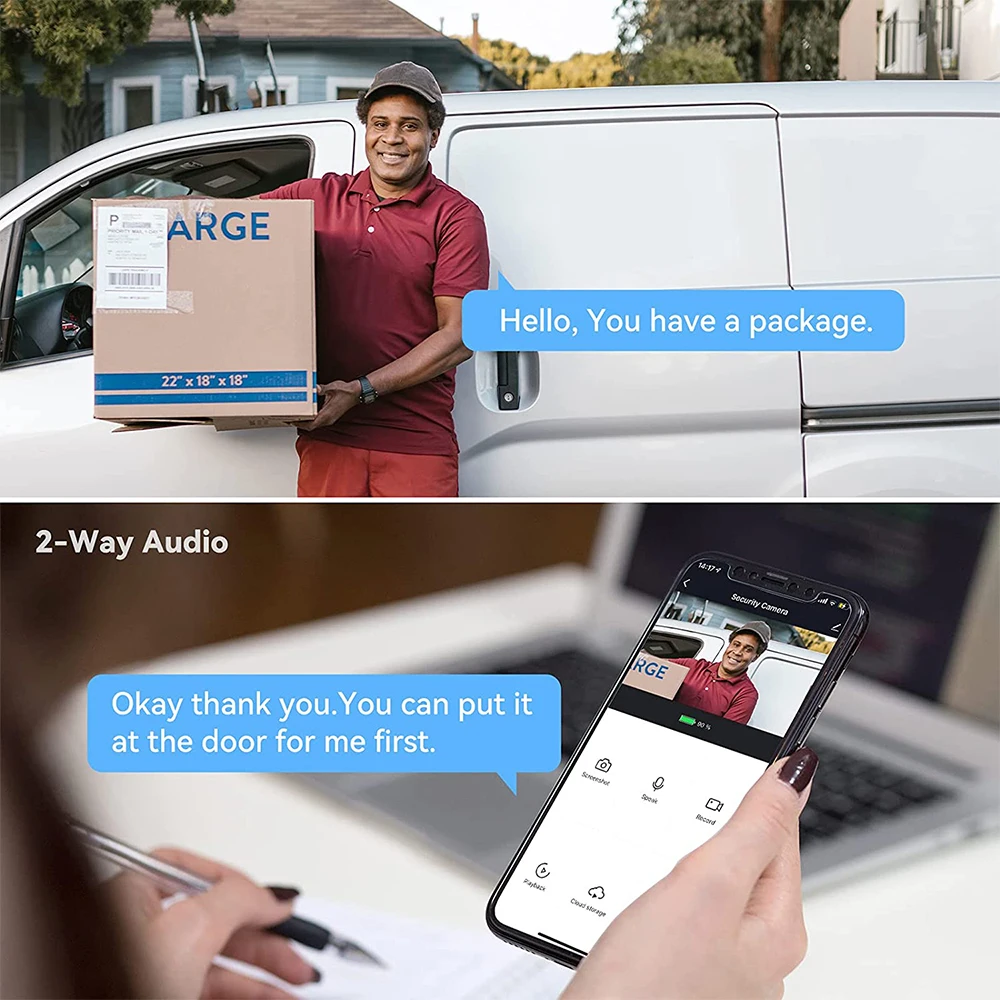
*1pcs IR led,upport 2-way audio
*APPsupport iOS&Android,Tuya Smart/Smart Life
*Automatic take a picture&video recording
*PIRMotion Detect Alarm
* Cloud Storage Function
*Support max 128GB TF card(save Video recording)
*Built-in Lithium Battery and Easy Charged by Type C
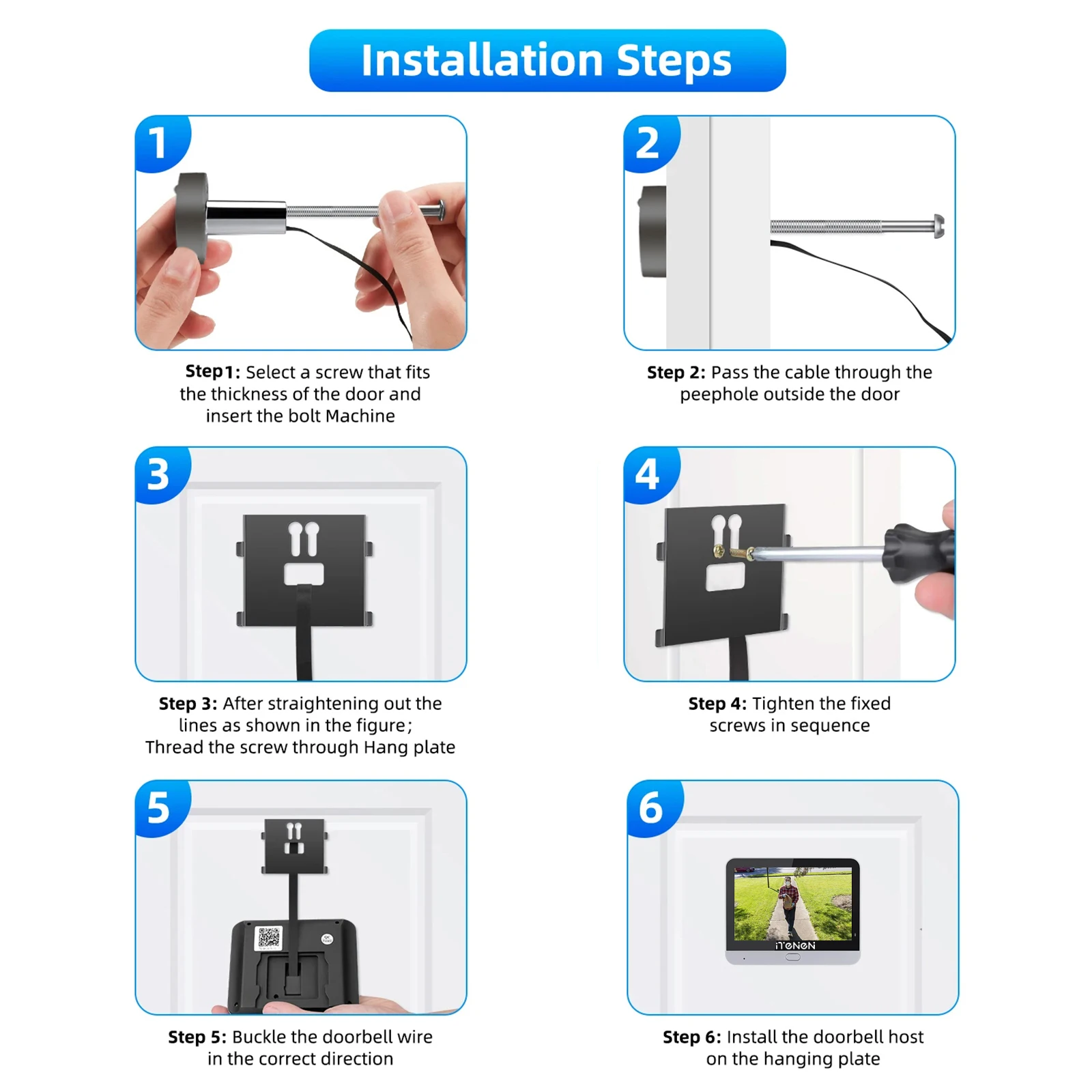
*Easy Installation (no need any cable),just 2.4G Wifi connection

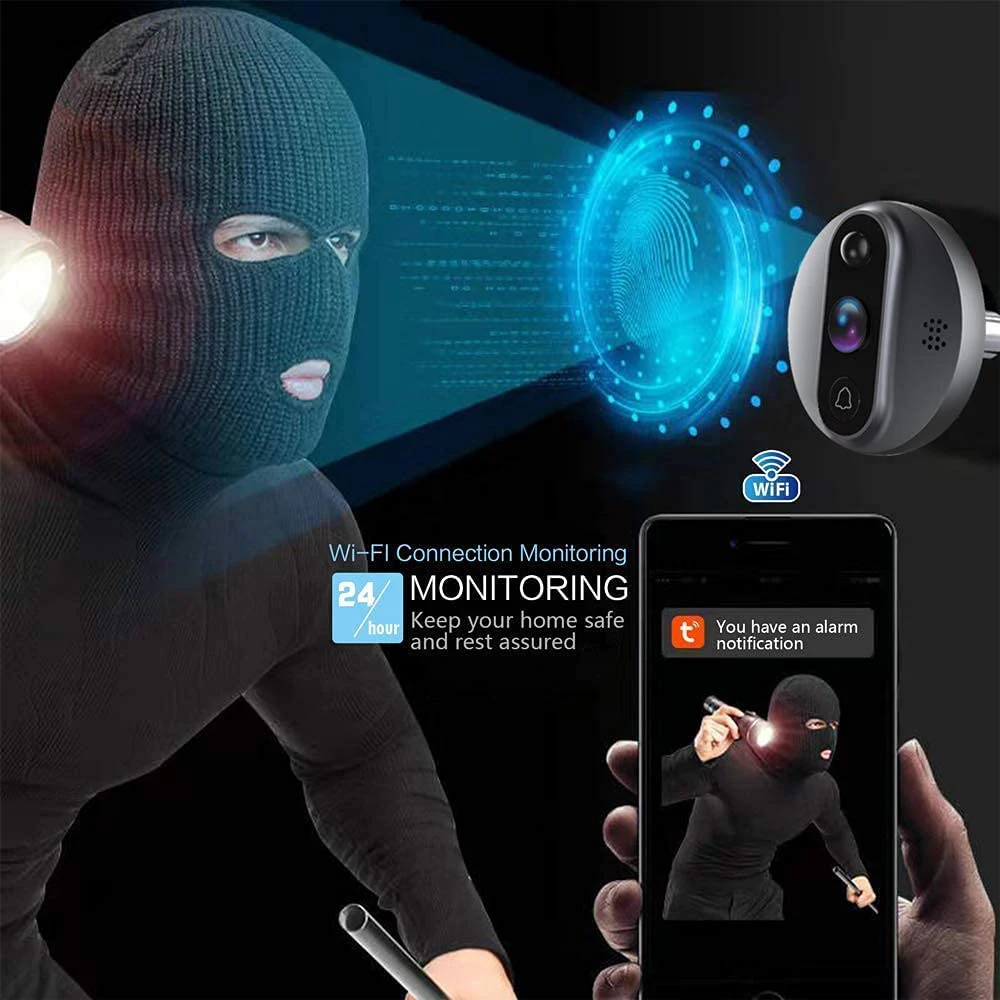
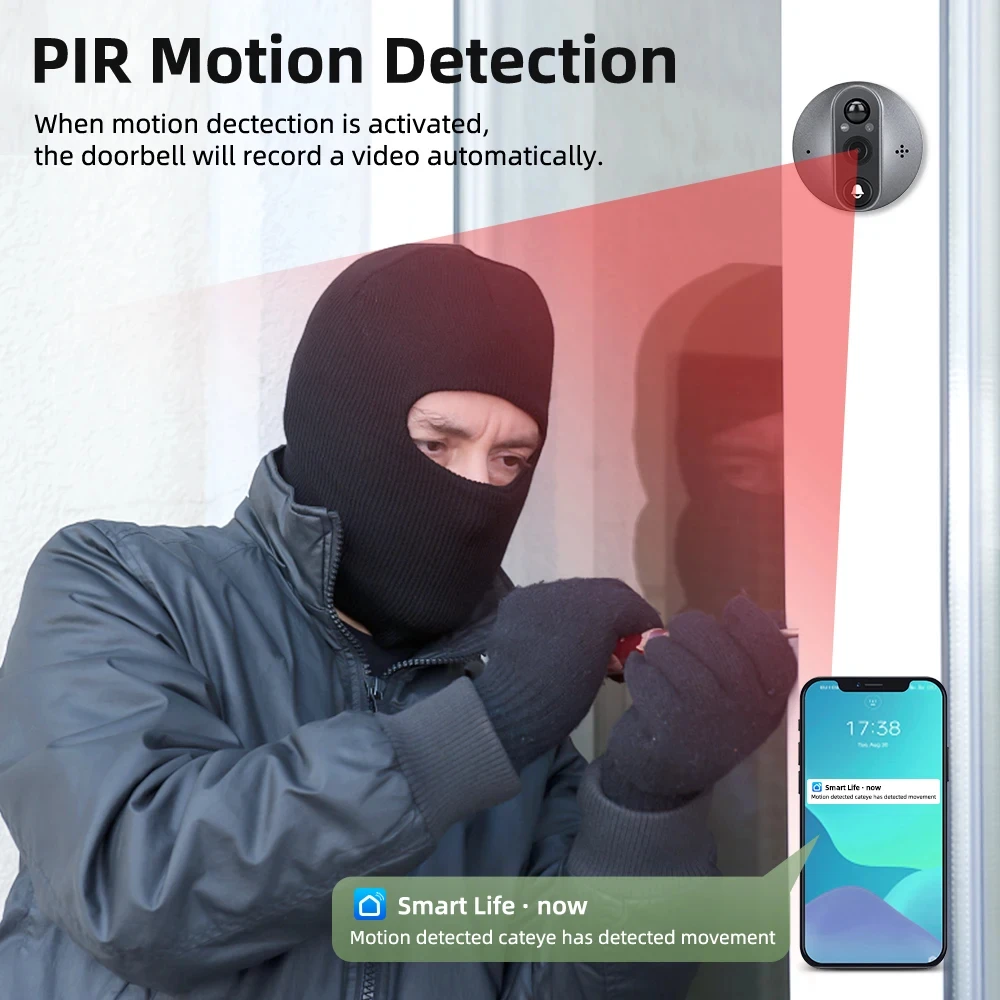
View Angle and PIR Motion Detection
It has 130° wide angle,when somebody pass by your door(you can set the sensitivity of the PIR to control the trigger distant) ,the camera will start recording 20 seconds video,and your phone will receive a notifiction.
Real View Testing
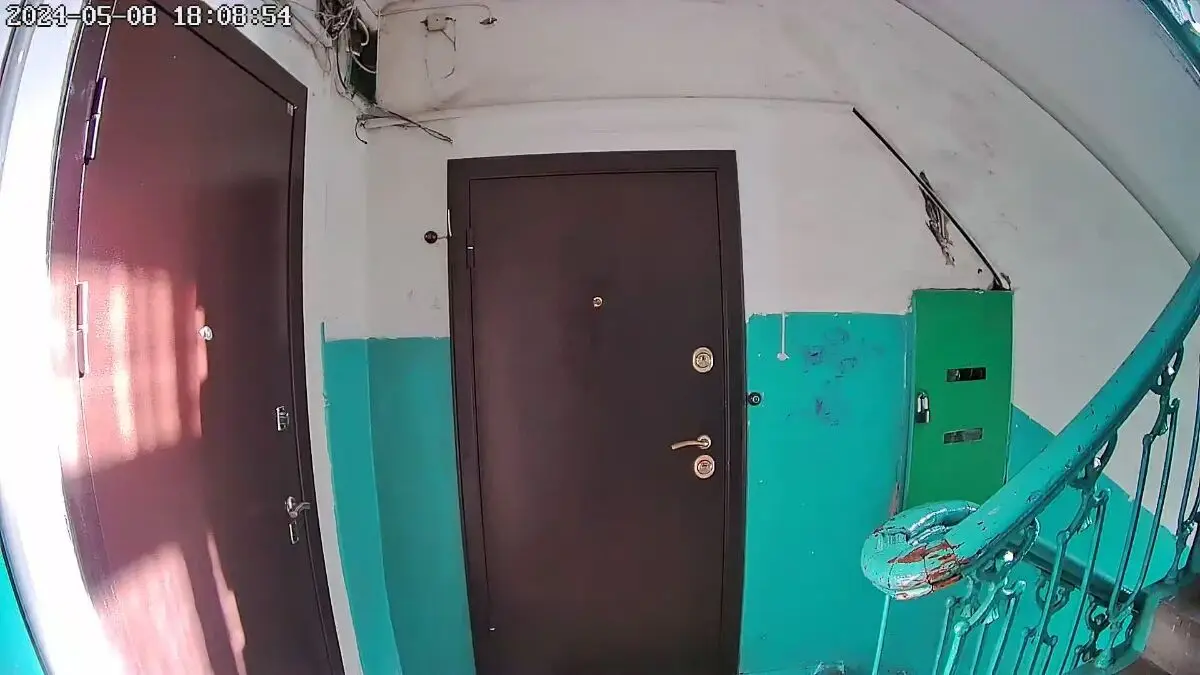
Note:The device does not trigger the detection function when watching. Exit the viewing interface and wait for about 20 seconds for the device to trigger the detection function when the device is in a low-power state.
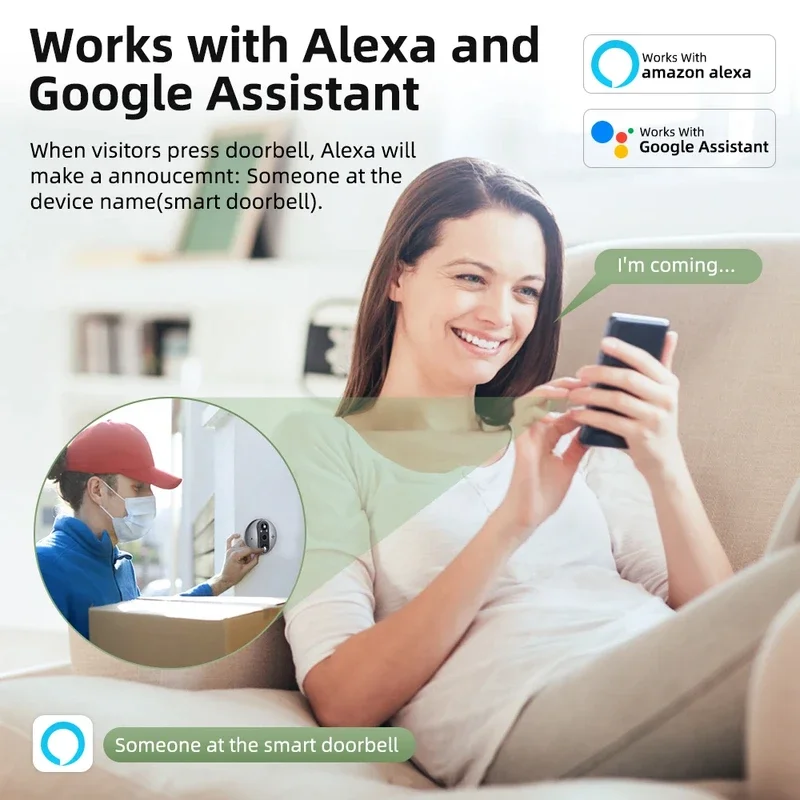
Alexa models(Optional)
You can voice command to wake up door viewer with: alexa, show me device name ;
Battery Capacity and Charging Attention
2-3 months' Use with 5000mAh Battery Built-In based on 10 events per day; Battery NOT replaced.
It takes at least 8~10 hours to charge,you must use 5V1A charger,do not use fast charger!!!! Please note,otherwise the battery is easily demaged.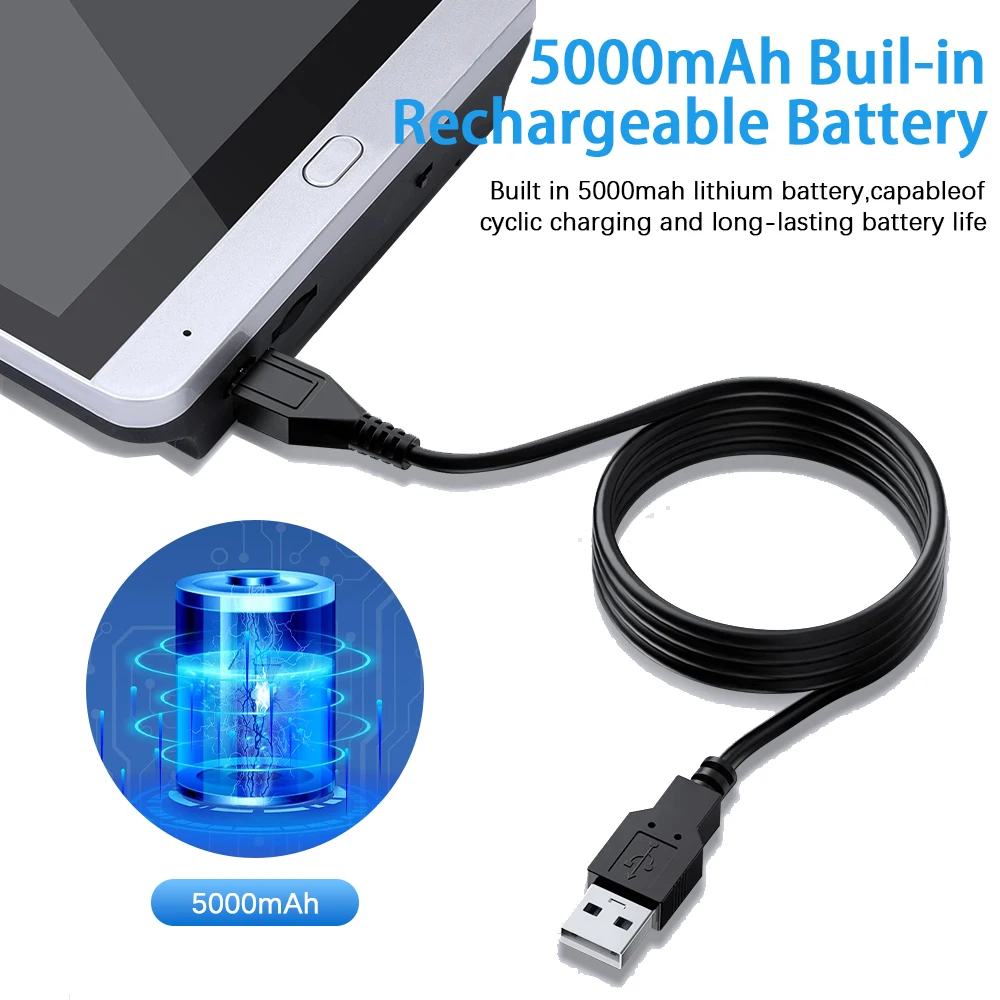

FAQ
1. The device cannot connect to WIFI
W: The second step to add a device,Please select the "Smart Doorbell" option, not the "Smart Doorbell 5G&2.4G" option.
2. The device cannot scan the QR code of the mobile phone to connect to WIFI
W:Please note that the QR code behind the device cannot add the device, please follow the instructions to add it.
1.Please check if your WIFI password is correct.
2.Aim the QR code generated on your mobile phone at the camera, and after hearing the voice broadcast, please click "Hear the voice broadcast" on your phone to enter the device connection.
3.The indicator on the monitor keeps flashing, please press and hold the button on the monitor for 6 seconds to reset the device, and then add it again.
3. The device is disconnected after a few minutes of connection
W: The device may have been reset in the connected state (do not press and hold the monitor button when viewing the display)
1. Remove the device from your phone
2. press the button on the monitor for 6 seconds, reset the device
3. add the device again
4. Trigger motion detection notification but no video
W: Please go to Settings in the upper right corner of the viewing screen, find the Detection Alarm setting, and turn off the human filter.


