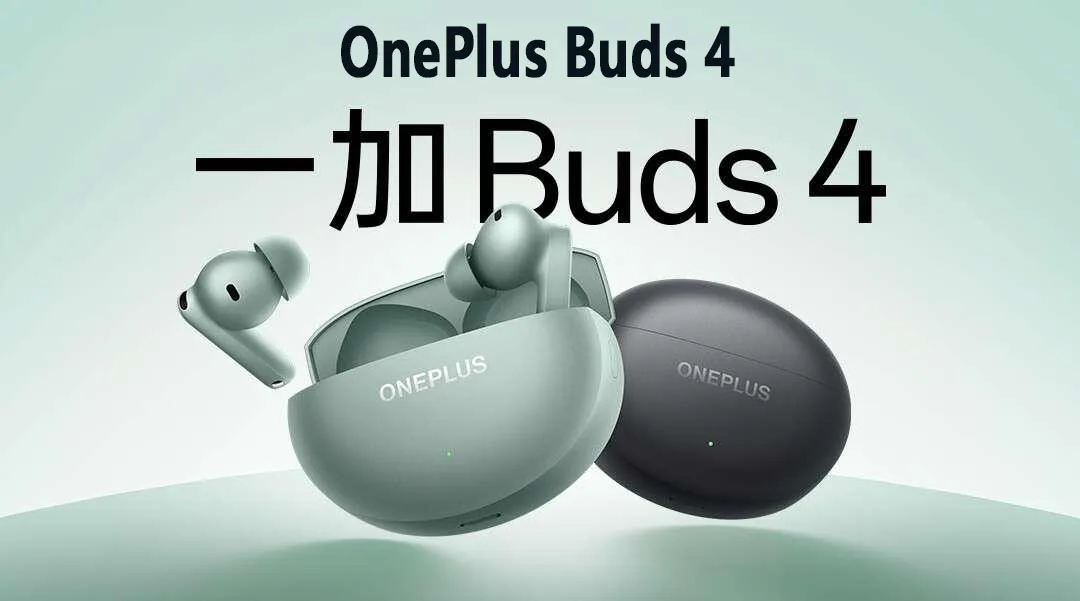
Note: This model is chinese Version.
Product model (headphones/charging box): E513A
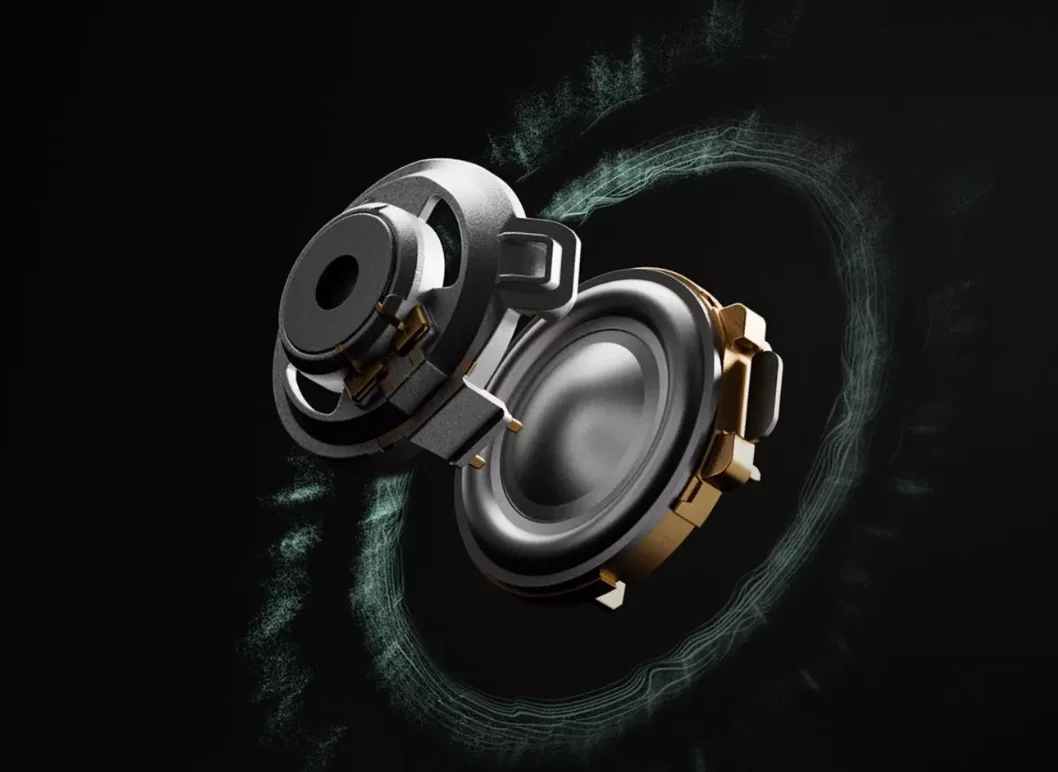
Sounding unit: 11mm+6mm dual dynamic coil speaker
Speaker sensitivity: 118±1.3dB @1mW
Frequency response range: 15Hz-40kHz
Microphone sensitivity: -38±1dB
Bluetooth codec: LHDC5.0/AAC/SBC
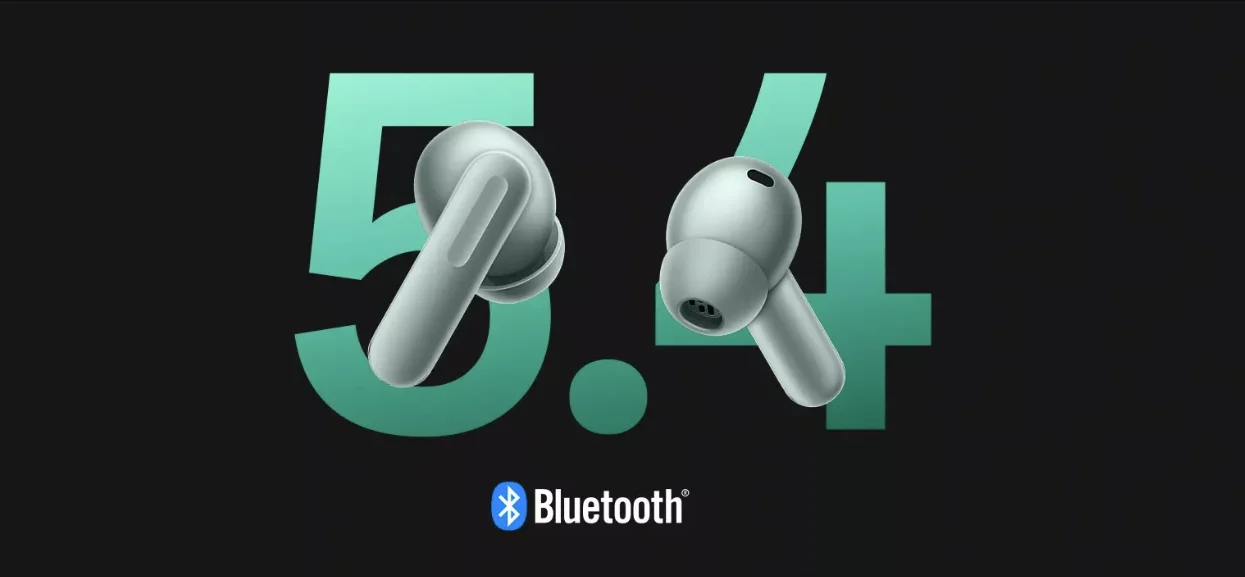
Bluetooth version: 5.4
Bluetooth effective distance: 10m
Battery Type: Rechargeable lithium-ion battery
Headphone battery: 62mAh
Battery capacity
Charging case battery: 530mAh
Noise reduction opening: 6H/24H
Music playback time (AAC encoding, default settings, 50% volume)
Permeability: 6.5H/27H
Noise reduction: 11H/45H
Noise reduction/transparency: 5.5H/22H
Music playback time (LHDC encoding, default settings, 50% volume)
Noise reduction: 9H/37H
Headphones for about 50 minutes
Charging time
The whole machine is about 80 minutes
Charging input (charging box): 5V-1.5A
Charging input (single headset): 5V=0.2A
Charging output (charging box to headphones): 5V0.4A
Charging port: Type-C
Waterproof grade (headphones): IP55
Net weight - complete machine: 49.02+1g
Net weight - headphones: 4.73±0.2g
Net weight - charging box: 39.57±1g
Size - Whole machine: 65.4mmx52.4mmx25.3mm
Size - Headphones: 31mmx20.6mmx24.2mm
Q1: Instructions on OnePlus Buds 4 LHDC5.0
A1: High-quality Bluetooth-encoded LHDC needs to be supported by both the mobile phone and the headset before it can be used. Non-OnePlus/OPPO requires high-quality Bluetooth encoding, and it is necessary to ensure that the phone supports LHDC. OnePlus Buds4's LHDC5.0 is not backward compatible. If OnePlus/OPPO mobile phones need to achieve the effect of LHDC5.0, you need to ensure that the mobile phone supports LHDC and the system version is ColorOS 13.1 and above: Please consult the corresponding mobile phone manufacturer whether other brand phones support LHDC5.0.
Q2: How to connect to the second device?
A2: Please follow the following steps: 1. Put the headset into the charging compartment, open the charging compartment, press and hold the button on the side of the charging compartment until the indicator light on the front of the charging compartment flashes white, and the headset has entered the pairing state; 2. In the Bluetooth menu of the second mobile phone, computer, Pad and other devices you want to connect, find the device name of "OnePlus Buds4" and click Pair; 3. After the pairing is successful, the headset has been connected to two devices at the same time. When you need to switch the device to play, please pause the device that is currently playing the sound.